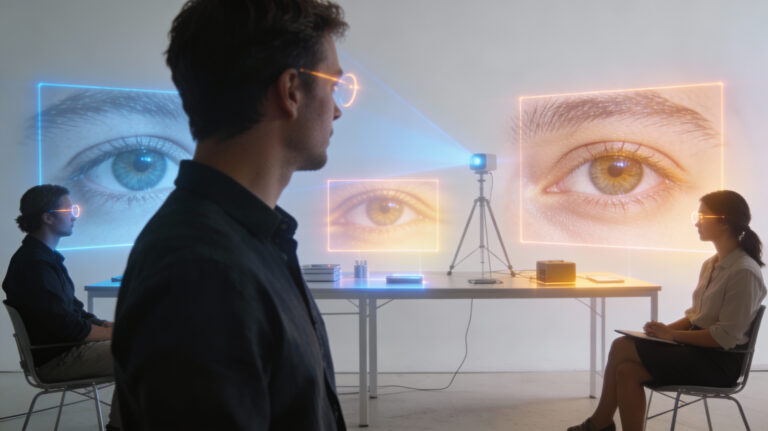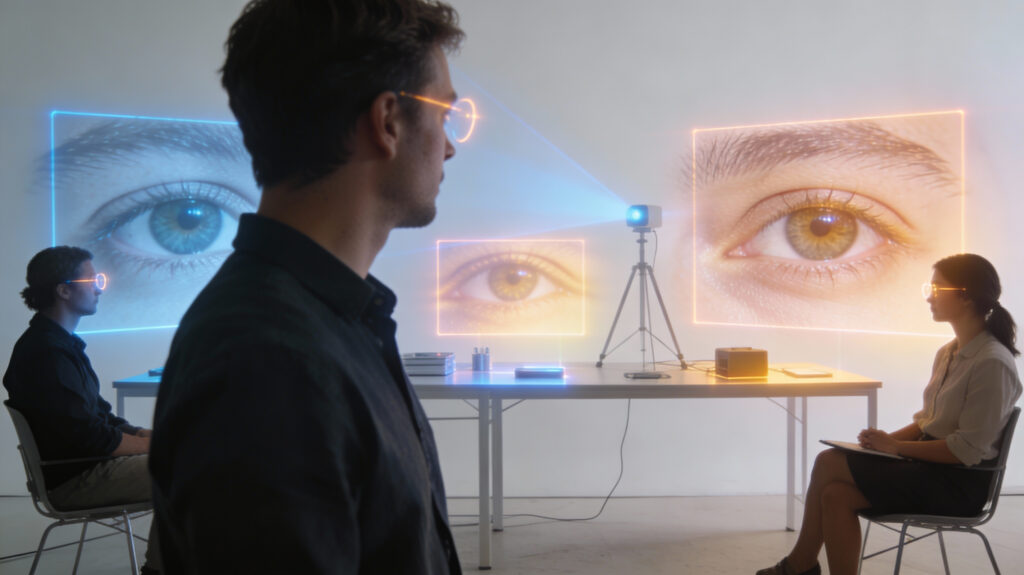


If you’ve ever heard that 60 pixels-per-degree (ppd) matches “retinal resolution,” it’s time for an upgrade. Using a sliding-display rig that changes resolution continuously—without the resampling artifacts that skewed older studies—researchers measured the actual ppd where images stop looking sharper to human observers. The results shake long-standing assumptions and set concrete targets for next-gen phones, laptops, and especially XR headsets.
TL;DR (for everyone)
- Fovea (center of gaze): ~94 ppd for black-white detail, ~89 ppd for red-green, and ~53 ppd for yellow-violet.
- Periphery (10°–20°): Resolution drops fast, and it drops faster for color than for black-white.
- Implication: 60–65 ppd “retina” displays leave quality on the table; many people can still see improvements up to ~90–100 ppd foveally—especially on text.
Why these numbers matter (in plain English)
Your eyes judge sharpness not only by the optics of the eye but also by how your retina and brain sample and combine information. Most of us can easily spot more detail than 60 ppd when contrast is high (think: text). The new setup slid a high-quality 4K monitor toward and away from viewers to dial in ppd smoothly. Because the image wasn’t digitally resampled, the test preserved the stimulus’s true spatial frequency. That gave clean, trustworthy thresholds for when “more pixels” finally stop helping.
Key outcomes you can use
- Foveal upper bounds:
- Achromatic (black-white): ~94 ppd mean, with some observers approaching 120 ppd.
- Red-green: ~89 ppd—much higher than industry assumptions.
- Yellow-violet: ~53 ppd—this channel truly tops out earlier.
- Peripheral vision: At 10°–20° eccentricity, resolution plummets; the drop is ~2.3× for black-white but ~4.8–4.9× for color.
- Dark mode vs light mode text: Thresholds aligned closely with the black-white grating results, confirming why small text still benefits from ultra-high ppd.
What this means for engineers and product teams (with quick formulas)
1) XR optics & rendering
- Foveal target: Design for ~95–100 ppd in the gaze region if you want “no sharper possible” for most users.
- Foveated rendering: Don’t just drop resolution radially; drop chroma more aggressively with eccentricity. Red-green holds up surprisingly well foveally (≈achromatic), while yellow-violet can be reduced much sooner.
2) Chroma subsampling & codecs (AV1, VVC, etc.)
- The old blanket rule “halve chroma resolution” isn’t universally safe.
- Red-green deserves less downsampling near the fovea.
- Yellow-violet tolerates more.
- A color-direction-aware chroma strategy can win bits without visible damage, especially with eccentricity-adaptive bitrate allocation.
3) Living-room displays & seating charts
- ITU viewing distance bands for 4K/8K tend to be conservative. Past ~1.3 screen heights, 8K adds little for most viewers.
- If you can’t control seating distance, aim your ppi / ppd for the 95th percentile foveal user only in likely gaze zones (UI, subtitles, small text), not across the whole panel.
4) Practical conversion cues
- ppd ≈ (π/180) × viewing_distance / pixel_pitch (with angular geometry).
- For handhelds at ~35–40 cm: hitting ~95 ppd foveally means pushing ppi higher than today’s “retina” norms—particularly for text-heavy use.
For the vision science crowd (what’s new)
- Methodological leap: Continuous mechanical ppd control avoids digital resampling confounds; thresholds estimated with 2IFC + QUEST and color modulations in DKL space.
- Population modeling: Fitted a Watson-style spatial sensitivity model with eccentricity terms; distributions interpolated across eccentricities to give percentile-aware design curves.
- Color asymmetry: The L–M (red-green) channel’s foveal limit tracks achromatic far better than the industry presumes; S-(L+M) (blue-yellow) falls off much earlier—and more steeply off-axis.
Engineering playbook: quick wins
- Headsets: Allocate ~100 ppd in the foveal “hotspot,” then steepen chroma falloff versus luminance outside 5°–10°.
- Text renderers: Keep subpixel strategies; they matter up here.
- Codecs/pipelines: Make chroma filters direction- and eccentricity-aware; feed your foveation map into the encoder.
- QA: Test with high-contrast gratings and text, not only photographs (1/f scenes hide sins at high frequency).
FAQ for non-engineers
Do I need an 8K phone?
Not necessarily. If you hold it close and read tiny text, higher ppd helps. But smarter foveated and color-aware rendering often beats raw pixels.
Why do colors look softer off to the side?
Your retina’s wiring changes outside the fovea, and color-sensitive pathways drop off faster—especially along the yellow-violet axis.
Does dark mode reduce sharpness?
At these limits, both black-on-white and white-on-black text hit similar thresholds. Font rendering matters more than theme.
Check out the cool NewsWade YouTube video about this article!
Sources:
Ashraf, M., Chapiro, A. & Mantiuk, R.K. Resolution limit of the eye — how many pixels can we see?. Nat Commun 16, 9086 (2025). https://doi.org/10.1038/s41467-025-64679-2